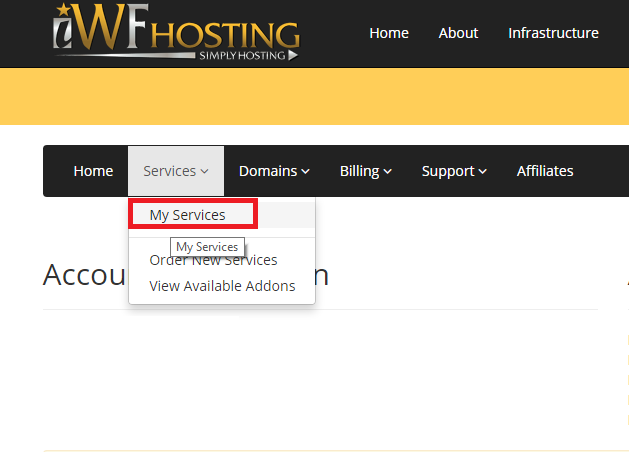
2) Navigate to the service upgrade/downgrade page
First select "Services" then "My Services" from the drop down menu.
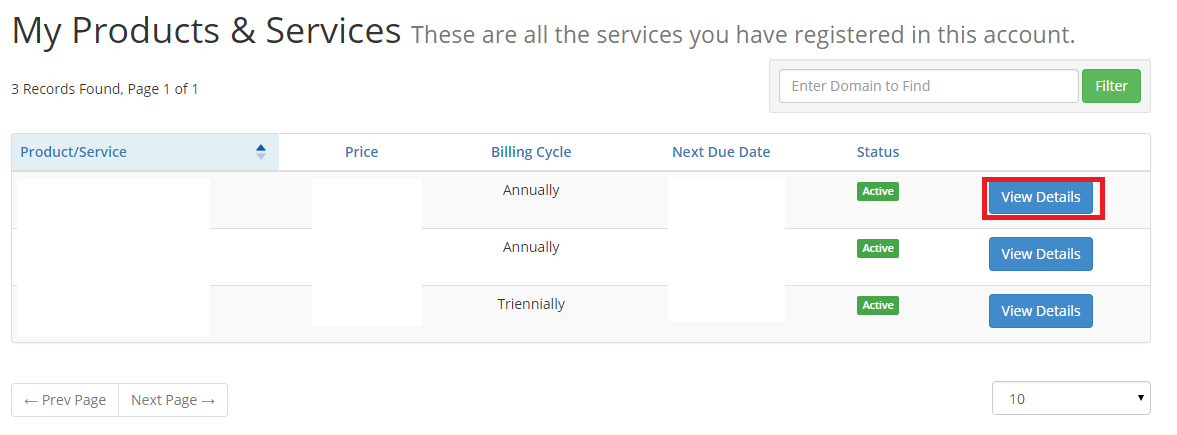
From the "My Products & Services" page, locate your hosting package and click the "View Details" button.
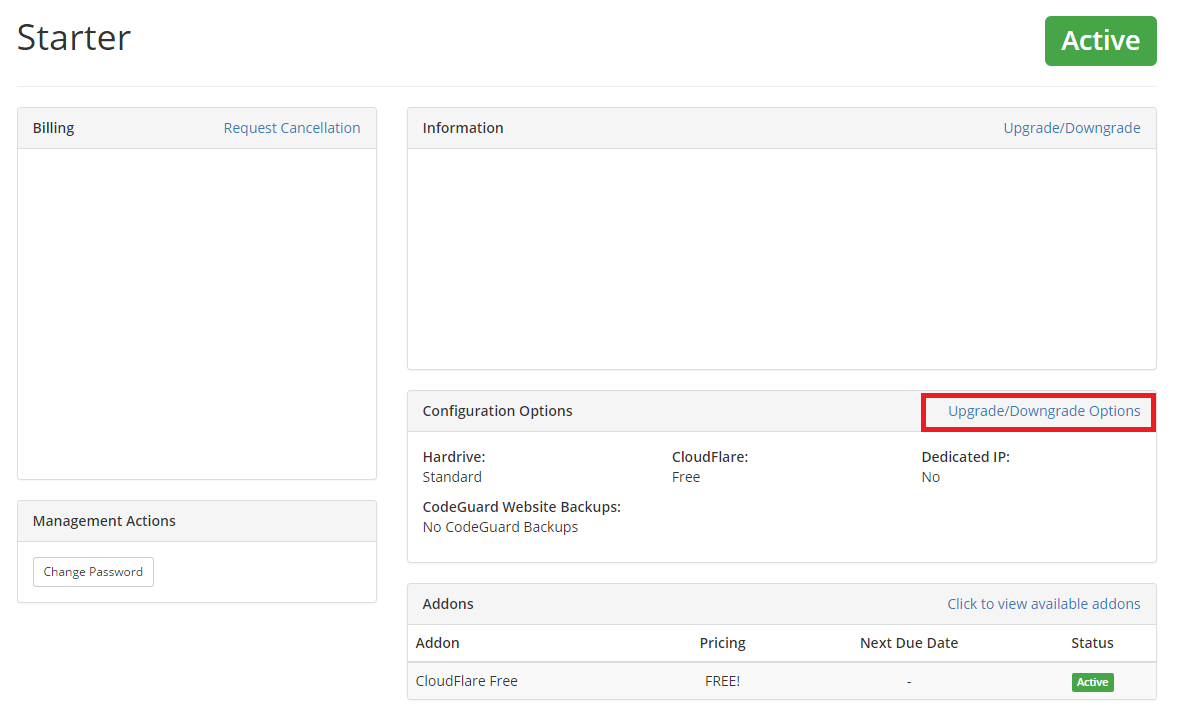
Select "Upgrade/Downgrade Options"
And select your CodeGuard plan! Codeguard plan details can be found at https://www.iwfhosting.net/codeguard.php